
- by Arklyfe Team
Does Matter Work Without Internet? A Home Handover Checklist
- by Arklyfe Team
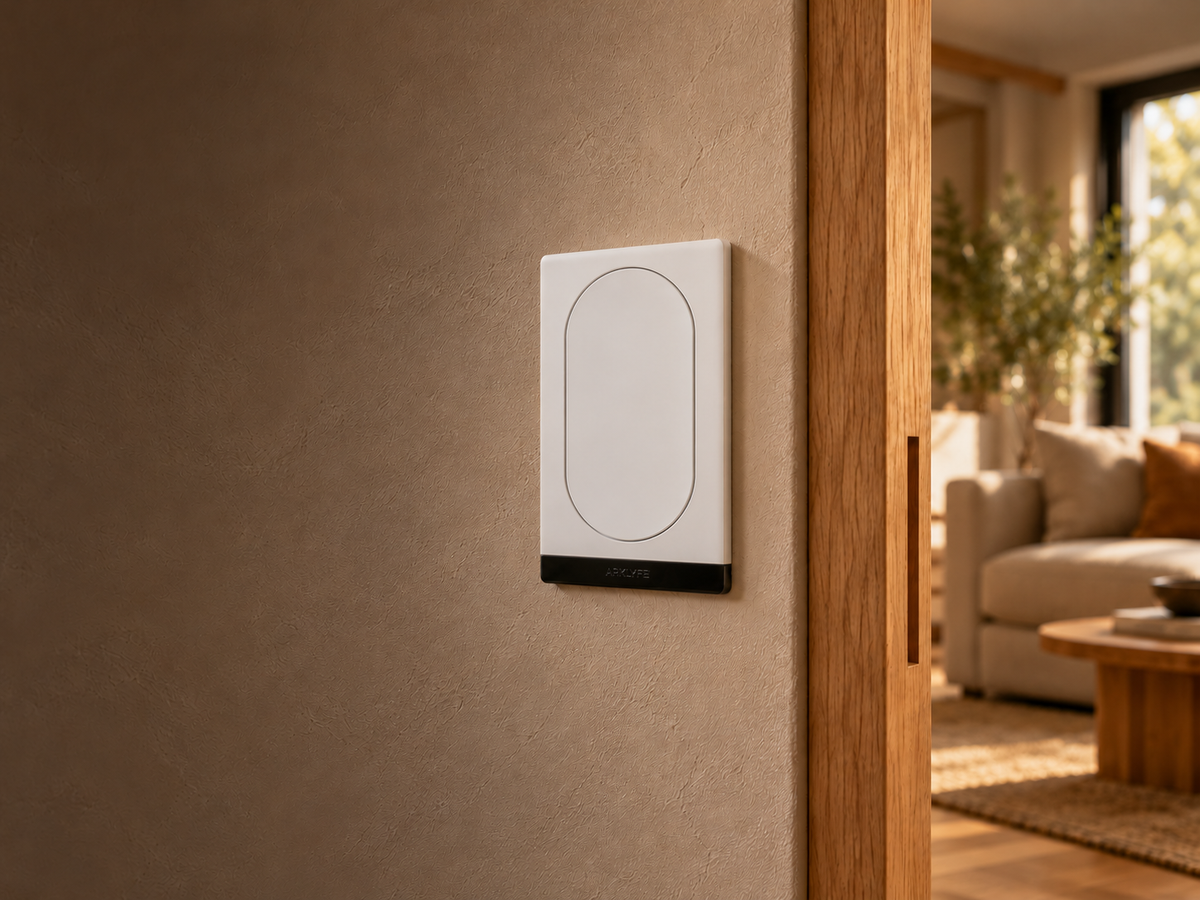
Illustrative home setting using the StellarTrack product image as a reference. Generated composition, not a completed installation or proof of offline operation.
Matter can support local device control without sending each command through the internet. That does not mean every feature in your smart home will work during an outage. The useful question is more specific: which buttons, app controls and automations still work in your own setup?
Before handover, ask for a short demonstration with the internet connection unavailable but the home network still running. Record the results for the functions you actually use. This guide explains what to separate and what to test; it is not a claim that every Arklyfe product or platform has passed an offline test.
Your internet connection links your home to outside services. Your local network links devices inside the home. Losing the first does not necessarily mean losing the second.
Google explains that Matter commands can travel over the home network rather than through the device manufacturer's cloud. Its Google Home setup guidance also requires a compatible hub, with Thread support for the relevant devices. [1]
A Thread border router connects the Thread network to the rest of your home network. It is a networking role, not a promise that all automations run inside that device. Some products combine border-router and smart-home-controller functions; check the exact model. [2]
An internet outage, a switched-off Wi-Fi router and a power cut are three different conditions. If you unplug the router to simulate an internet outage, you may remove the local connection you meant to test. Mains-powered switches, motors and networking equipment also need their power supply; Matter is not backup power.
A successful wall-button press does not prove that an app, scene or voice command will also work. Use these six checks as a starting point:
For Apple Home, consult Apple's current home-hub and Thread-accessory requirements before selecting equipment. An accessory and a compatible phone alone should not be assumed to provide every intended automation or remote-access function. [4]

Ask the installer or network administrator to arrange a controlled internet-only interruption while keeping the local network, required controllers and devices powered. Agree how they will restore the connection. Do not change wiring, open switch plates or alter networking settings you do not understand.
Choose a time when the test will not interrupt work, security monitoring or anyone who depends on a connected service. Keep locks, alarms, medical equipment and other safety-critical systems outside an informal lighting test. Use a normal room light as the first example.
Complete initial setup and check that everything works online before testing. Record the product model, selected platform, controller, firmware versions and date. Keep pairing codes and account details private; they do not belong in a publicly shared test record.
Use a simple record: action; result online; result without internet; result after reconnection; dependency or follow-up. Leave untested items marked “Not tested”. These are observations for that configuration and date, not a guarantee for every future software version.
Before selecting a switch, decide which everyday controls need a clear fallback. A room used by guests may need an obvious wall control even if you also want app scenes. Our button and circuit planning guide explains why those jobs should be listed separately.
If you are considering a StellarTrack Matter Smart Switch, ask about the exact selected variant and configured relay or scene behaviour. If the project includes a BCM400D Matter over Thread curtain motor, agree its intended local controls and what happens when a required controller is unavailable. Do not assume a shared Matter label gives two products identical fallback behaviour.
Send Arklyfe your selected products, platform and the functions you need confirmed. Ask for an agreed test list rather than a blanket “works offline” assurance.
No. Internet-independent control still needs the relevant local connections. Removing a router or border router can interrupt those connections. Check the actual network design and test different failures separately.
Do not assume so. The rule's execution location, trigger, participating devices and services all matter. Test each important rule in its configured platform.
No. An internet-only test leaves power available. A blackout is a separate condition, and powered equipment will not operate without a suitable supply. Discuss any essential backup requirements separately.
[1] Google Home and Nest Help — Prepare your smart home for Matter: https://support.google.com/googlehome/answer/12391458?hl=en
[2] Thread Group — What is a Thread Border Router and How is it Different from a Hub or a Bridge: https://threadgroup.org/Newsroom/Blog/what-is-a-thread-border-router-and-how-is-it-different-from-a-hub-or-a-bridge
[3] Connectivity Standards Alliance — Matter FAQs, remote access: https://csa-iot.org/all-solutions/matter/matter-faq/
[4] Apple Support Australia — Set up your HomePod, HomePod mini or Apple TV as a home hub: https://support.apple.com/en-au/102557
Sources checked 11 October 2026 AEDT. The practical test checklist is editorial guidance derived from these distinctions, not a manufacturer test report.
Does Matter Work Without Internet? A Home Handover Checklist
An internet outage is not the same as a router failure or a blackout. Test the controls you depend on before accepting your smart-home setup.
Plan a Smart Home for Your New Build Before Rough In
A useful smart-home brief connects your room plan with the exact products, trades and setup responsibilities. Agree these decisions before electrical rough-in.
2-Gang, 4-Gang or 6-Gang Smart Switch? Plan the Buttons and Circuits
More buttons can give you more control options, but they do not always add wired lighting circuits. Use this room-by-room checklist to plan your switch layout.
Share:
Plan a Smart Home for Your New Build Before Rough In