
- by Arklyfe
Can You Use Smart Bulbs with Smart Switches?
- by Arklyfe
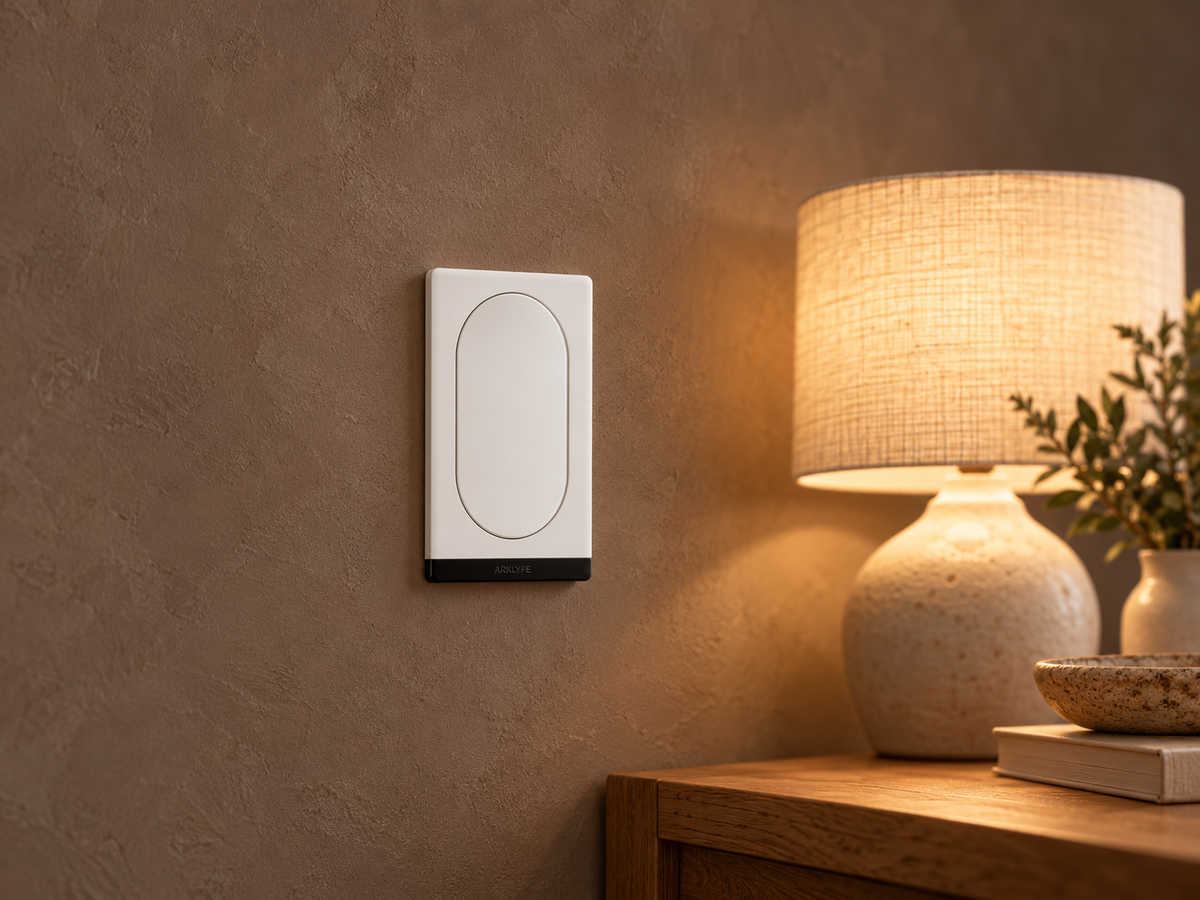
AI-generated illustrative home setting based on an Arklyfe product image. It is not a customer installation or proof of smart-bulb compatibility.
Yes, in a supported setup, but buying a smart bulb and a smart wall switch does not automatically make them a compatible pair. If the switch cuts the bulb’s electricity, the bulb cannot receive app commands. To keep smart-bulb features available, choose a control arrangement that maintains its power and supports the commands you need.
If you simply want to turn suitable existing non-smart lights on and off from an app, a compatible smart mains switch may be enough. You do not necessarily need smart bulbs as well.
There are two different meanings of “off”. A command sent to the bulb can turn its light output off while its electronics remain powered. A wall switch or upstream relay that disconnects the electrical supply removes power from the bulb itself.
That distinction still matters when the upstream switch is smart. Turning its relay off from an app can make the bulb unreachable, just as operating a conventional wall switch can. The control path, not whether an app was used, determines the result.
Philips Hue’s wall-control guidance distinguishes controls that keep compatible smart lights powered from wired controls intended to switch non-smart lights. Check your bulb manufacturer’s instructions rather than treating every product called a “smart switch” as the same thing.
Matching wall plates can make a room look consistent, but appearance is not evidence of matching capabilities. Decide which fittings need ordinary on/off control and which need bulb-level features before choosing the hardware.
A relay mode controls a connected electrical load. A scene button sends an event or command that your system uses to run supported actions. “Decoupled” commonly means separating the physical button press from relay operation, but the exact implementation matters.
Do not assume decoupling locks the relay on. For example, Aqara’s H2 Horizontal documentation describes decoupled buttons while allowing the circuit to be controlled separately through app, automation or voice commands. That is a model-specific example, not a feature claim about Arklyfe hardware.
For the non-illuminated StellarTrack Matter Smart Switch, the current listing distinguishes relay and scene modes and says behaviour depends on configuration. Before pairing it with smart bulbs, ask Arklyfe to confirm the exact model, firmware, relay behaviour and button-event support in your chosen platform. The listing alone does not establish a tested switch-and-bulb combination.
Our buttons, circuits and scenes guide explains why a larger button count is not the same as more independently switched circuits.
Check the action you want, not just whether both devices can be added to the app. Can the platform see the wall-button event? Can that event control the selected bulb? Is the connection a supported automation, direct device binding or a manufacturer-specific feature?
Google documents a specific limitation: the Google Home app does not expose the Matter Binding configuration needed to link the Matter “On/Off Light Switch” device type to another device. This does not mean all products marketed as smart wall switches are unsupported. It does show why successful pairing alone is not proof of the button-to-bulb behaviour you want.
For a Matter over Thread wall switch, also confirm the compatible Matter controller and Thread border router arrangement. One hub may provide both roles. Check its exact model and the supported functions before buying extra equipment.

Leave hardwired switch installation, replacement and wiring alterations to a licensed electrician. Energy Safe Victoria explicitly includes light-switch changes in its warning against DIY electrical work. Check the requirements in your state or territory. Do not remove wall plates or alter wiring to keep a bulb powered.
No. A switch cannot add colour-changing capability to a bulb that does not have it. Choose a suitable colour-capable light and a supported control path if that is the result you want.
Do not treat that as proof of compatibility. Follow the smart-bulb manufacturer’s instructions for the exact dimmer and bulb, and ask an electrician to assess any required change.
No. Confirm how the relay is configured, what can change its state and which network or controller the scene needs. A scene label alone does not establish uninterrupted power or reliable control.
They can if the chosen physical controls are configured to provide the required functions. Ask for a demonstration using the wall controls, and make sure the household knows the agreed fallback if a controller is unavailable.
Start with the lighting behaviour you want, then compare the smart-switch range. Contact Arklyfe with the bulb model, proposed switch, chosen app and hub model so the required combination can be checked. Confirm current availability and installation requirements before ordering.
Do Smart Light Switches Need a Neutral Wire in Australia?
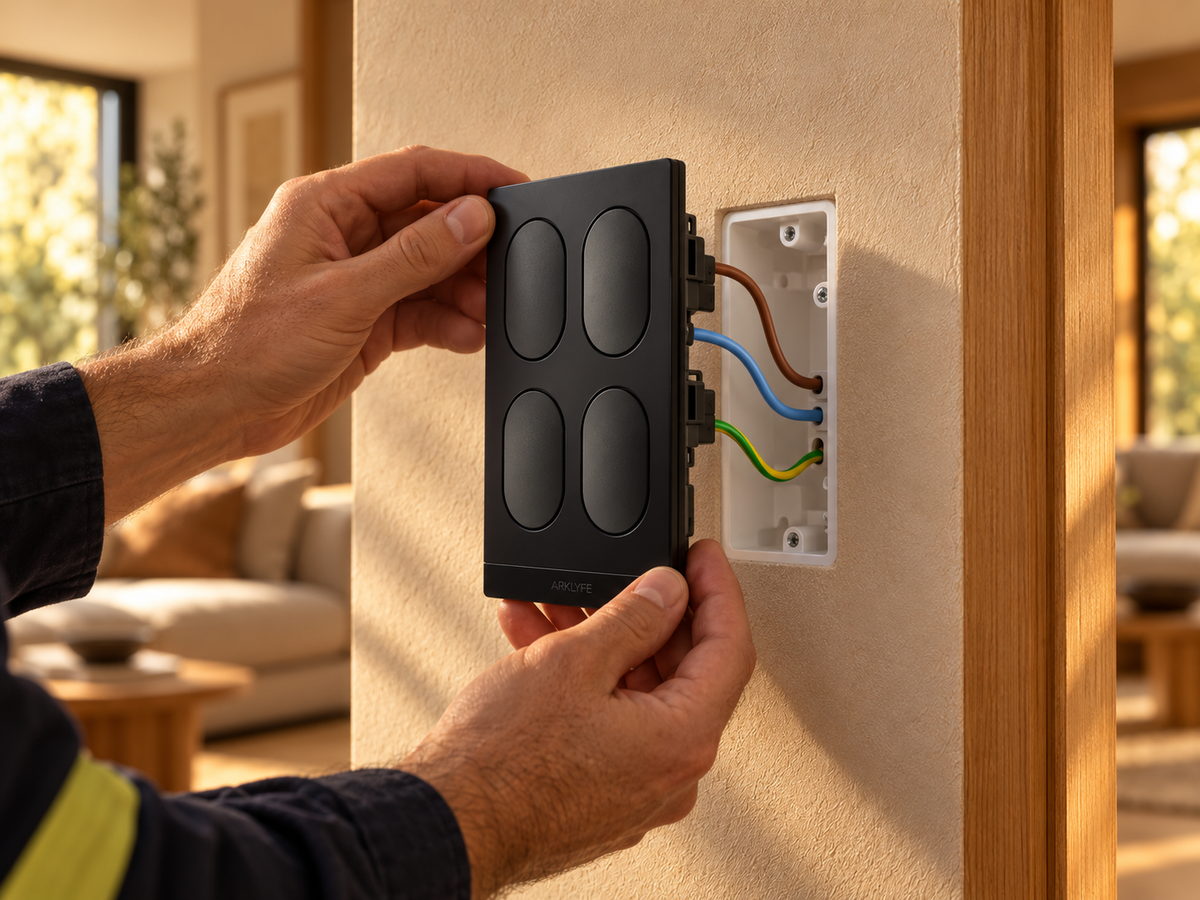
Short answer: most smart switches, including Arklyfe StellarTrack, need a neutral at the switch, which many older Australian homes lack. Options: have an electrician run a neutral, choose a no-neutral switch, or use smart bulbs or a relay at the light.
Can Everyone in Your Home Use the Smart Lights?
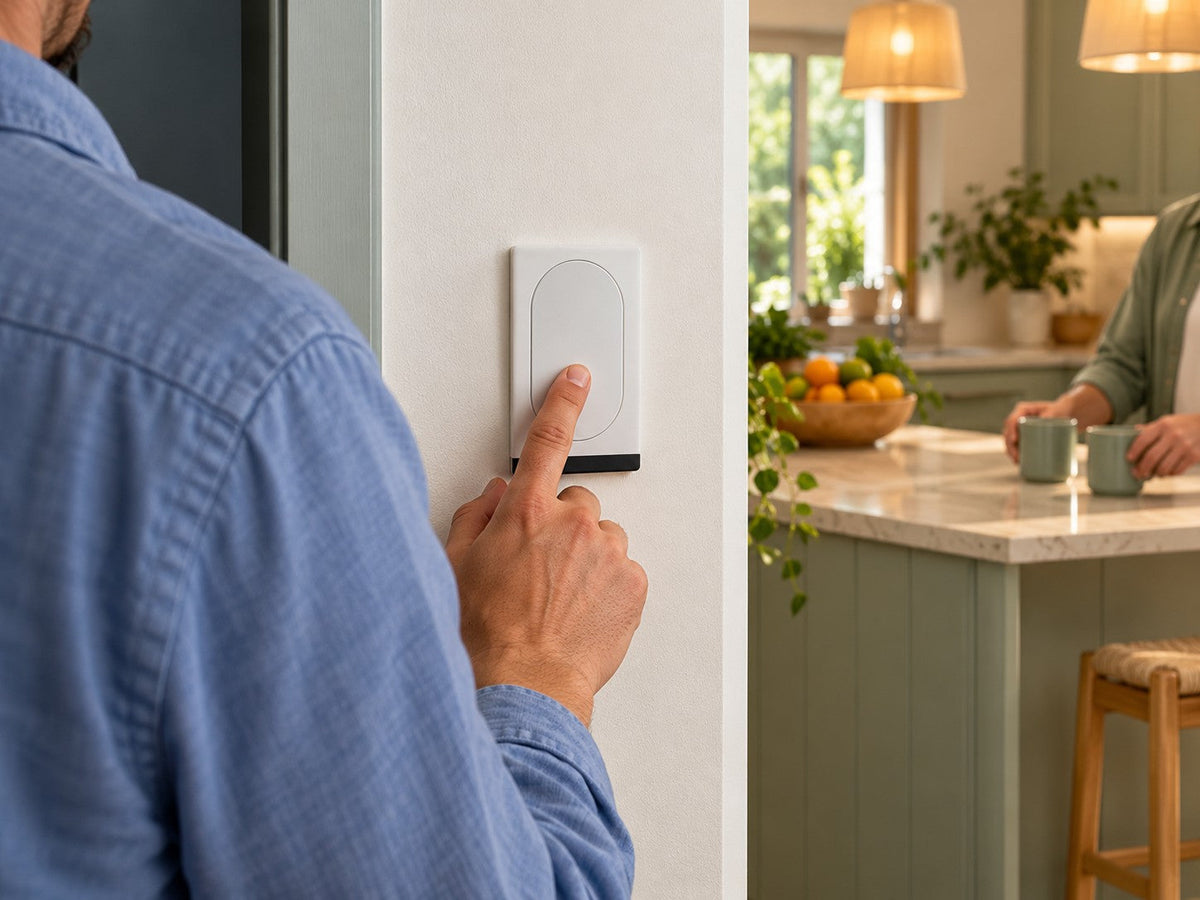
Buying smart switches? Check wall controls, household app permissions and shared access so everyone can use the lights without sharing your login.
Can You Use Smart Bulbs with Smart Switches?
A smart bulb needs power to receive commands. Learn when a smart wall switch helps, when it cuts the bulb off, and what to confirm before buying both.
Share:
Do Smart Switches Need a Subscription in Australia?
Can Everyone in Your Home Use the Smart Lights?