
- by Arklyfe
Do Smart Switches Need a Subscription in Australia?
- by Arklyfe
Short answer: no. A Matter smart light switch such as Arklyfe StellarTrack does not need a subscription for everyday control in Australia. On/off from the wall button, the app, voice, schedules and scenes all run through the free Apple Home, Google Home or Alexa apps. The costs you do pay are one-off: the switch, a licensed electrician to install it, and a compatible hub if you don't already own one. Paid smart-home plans such as Google Home Premium and Apple iCloud+ mainly cover camera video history and AI features, not switch control.
Updated October 2026 by the Arklyfe team, Mitcham, Melbourne. Plan prices change; check the provider's current terms before you buy.
| Cost | One-off or ongoing | Typical example |
|---|---|---|
| The switch | One-off | StellarTrack Matter over Thread from AU$46 (1-button) |
| Installation | One-off | Licensed electrician, quoted per job |
| Hub (Matter controller and Thread border router) | One-off, often already owned | A compatible Apple TV or HomePod, or a Google Home device with Thread border router support |
| Control app | Free | Apple Home, Google Home or Amazon Alexa |
| Optional premium plans | Ongoing, optional | Google Home Premium (Standard A$15/month or A$150/year); iCloud+ for HomeKit Secure Video |
Matter itself carries no subscription. It is an open interoperability standard from the Connectivity Standards Alliance that lets one switch work with Apple Home, Google Home, Alexa and SmartThings. What Matter does not do is make every brand's own app or cloud features free. If a brand sells extra features in its own app, those terms still apply. With a Matter switch you can skip the brand app and control it from your platform's free app.
If your project includes security cameras, budget for a plan. If it is lighting, switches and curtains, you typically don't need one.
Usually you need one, but you may already own it. Matter over Thread switches need a Matter controller and a Thread border router. One device often provides both. Google says Google Home needs a Matter-enabled hub, and Thread devices also need Thread border router functionality. In Apple Home, a home hub (Apple TV or HomePod) is needed for remote access and automations. A hub is a one-off purchase, not a subscription. Check the exact model you own against your platform's current support list.
Cancelling an optional premium plan does not switch off your lights. You lose the premium features, such as camera history or AI features, not basic control. Matter switches are controlled over your local network, so wall buttons and local app control can keep working during an internet outage as long as the hub and home network stay powered. Remote access from outside the house needs the internet. Test this at handover using our Matter without internet checklist.
No. StellarTrack is a Matter over Thread switch that you add to Apple Home, Google Home, Alexa or SmartThings and control from that platform's free app. You need a compatible hub and a licensed electrician for installation.
Basic control in most Wi-Fi brands' apps is free. Some brands charge for extras such as longer history, advanced automations or notifications. Shelly, for example, publishes a paid Premium tier. Check the specific brand's current feature list.
Check Clipsal's current terms for your setup. Wiser uses its own app and hub ecosystem, which is a different model from Matter. See our Clipsal vs Matter comparison.
Compare the Arklyfe smart switch range or contact us with your platform and hub model and we'll confirm what you need.
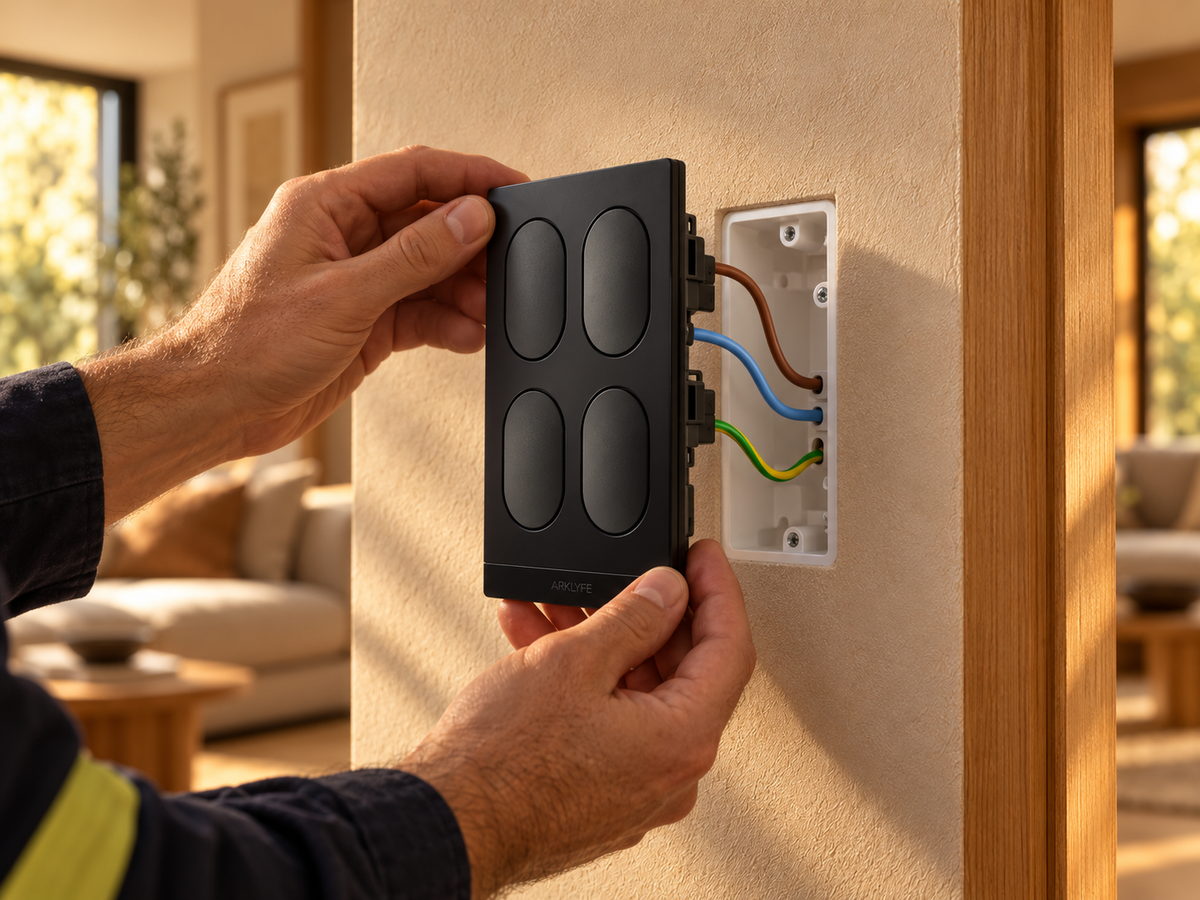
Do Smart Light Switches Need a Neutral Wire in Australia?
Short answer: most smart switches, including Arklyfe StellarTrack, need a neutral at the switch, which many older Australian homes lack. Options: have an electrician run a neutral, choose a no-neutral switch, or use smart bulbs or a relay at the light.
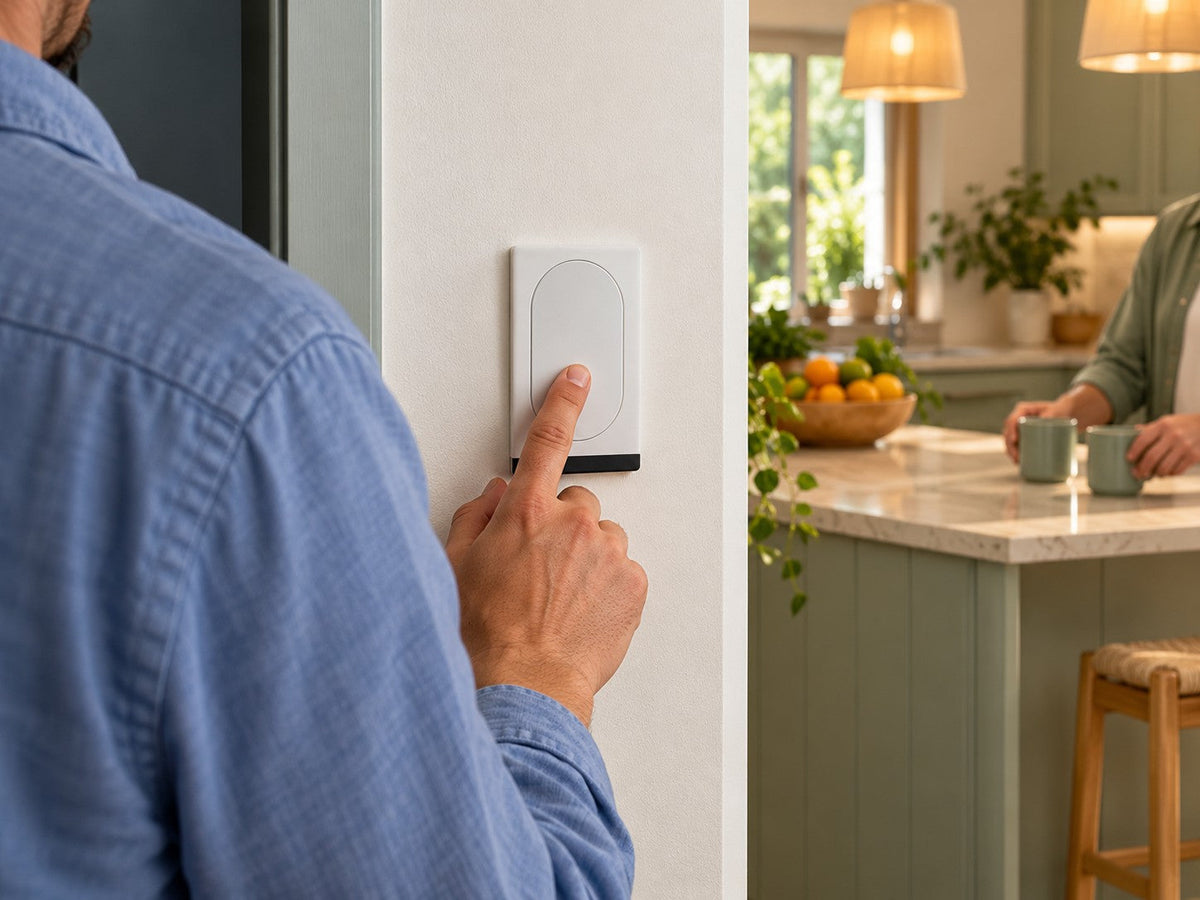
Can Everyone in Your Home Use the Smart Lights?
Buying smart switches? Check wall controls, household app permissions and shared access so everyone can use the lights without sharing your login.
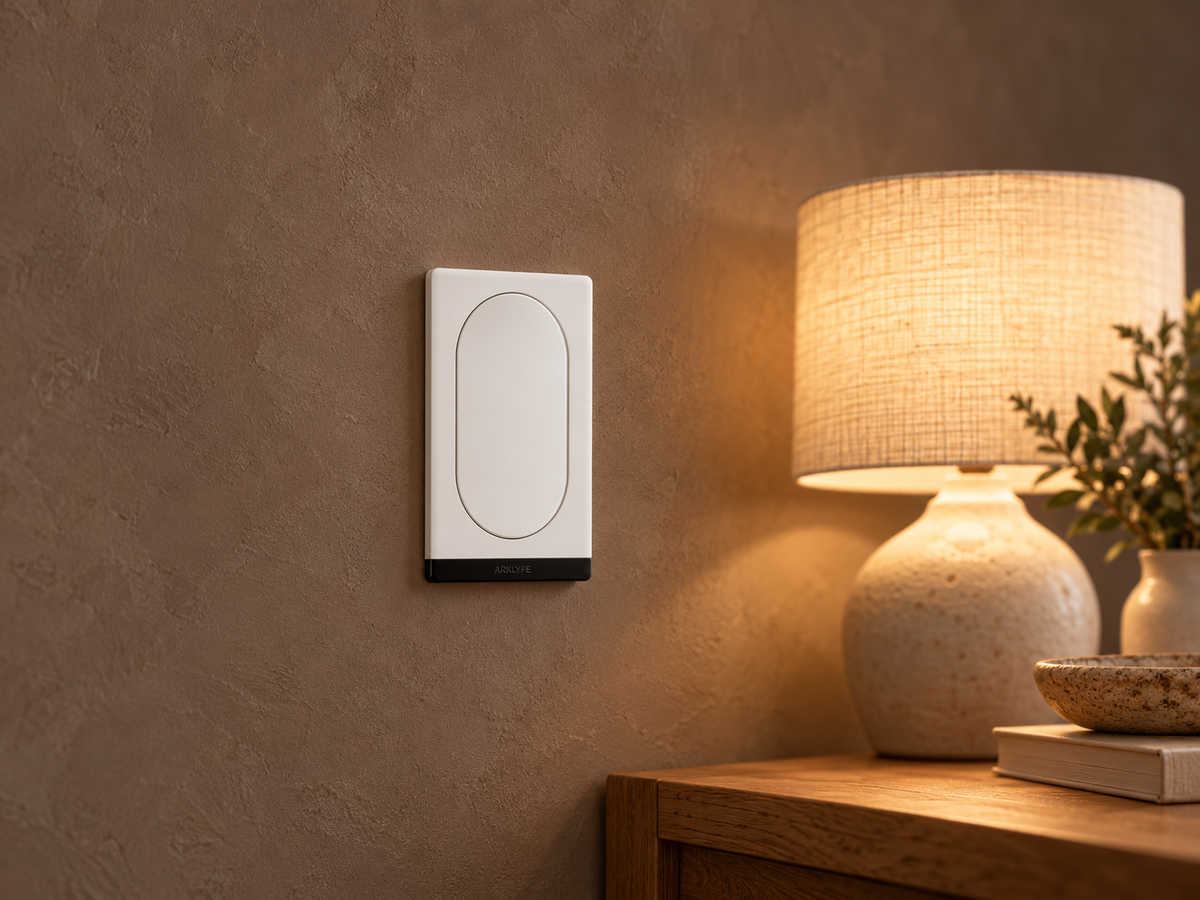
Can You Use Smart Bulbs with Smart Switches?
A smart bulb needs power to receive commands. Learn when a smart wall switch helps, when it cuts the bulb off, and what to confirm before buying both.
Share:
Why Do Smart Lights Turn Off While You’re Sitting Still?
Can You Use Smart Bulbs with Smart Switches?