
- by Arklyfe Team
Why Do Smart Lights Turn Off While You’re Sitting Still?
- by Arklyfe Team
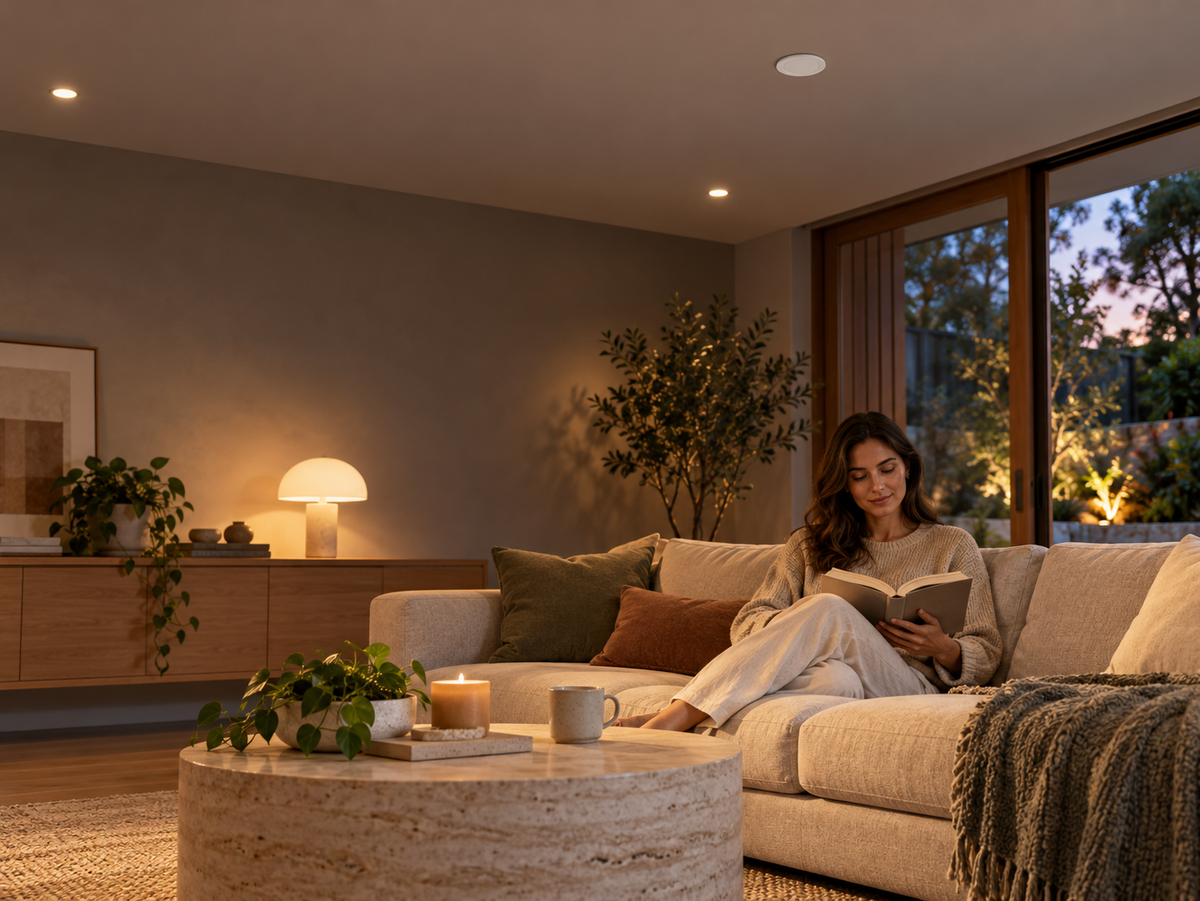
Cover: Illustrative smart-home scene showing a seated reading area; not a photograph of a customer installation.
You settle into a book. A few minutes later, the room goes dark. Waving an arm brings the lights back, but that is hardly the routine you wanted.
The short answer: the sensor may have stopped detecting you, or an automation may be switching the lights off despite the room still being occupied. Check the reported sensor state, its coverage and the off rule before buying replacement hardware. A presence sensor can be worth considering for seated activities, but it still needs suitable placement and a tested automation.
When the lights next switch off, note the time and check the sensor in your home app. Does it report occupied, unoccupied, or unavailable? If your platform offers activity history, compare that with the light’s last command.
If the sensor shows unoccupied while you are seated, investigate detection coverage and the vacancy delay. If it still shows occupied, check timers, schedules and other automations controlling the same light. If it is unavailable, investigate power and connectivity before tuning detection.
This is a diagnostic starting point, not proof of a single cause. App updates and event reporting can lag. Change one setting at a time so the result means something.
A sensor that detects someone walking into the room may not reliably detect the smaller movements of someone reading behind a sofa arm. Motion sensors vary: some PIR designs can detect fine movement, so it is too simplistic to say that every PIR sensor fails whenever a person sits down. Lutron’s sensor guidance distinguishes major, minor and fine motion, as well as sensitivity and timeout settings.
Radar presence sensors are designed for smaller movements, but the name alone does not guarantee detection at every position. Check the exact model’s instructions, mounting requirements, furniture layout and adjustable settings.
For a study, test the normal desk position. For a lounge, test each commonly used seat. Record where detection drops out before deciding that the room needs a second sensor.

These rules can look similar in an app but behave differently:
A fixed timer might turn a light off a set time after it turns on, regardless of what the sensor reports later.
A vacancy-based rule turns it off after the sensor has reported no occupancy for the configured period.
Ask your installer to show you which behaviour is actually configured. Where the platform supports it, a sustained-vacancy condition can avoid reacting to a brief detection gap. The appropriate delay depends on the room and the household; there is no universal best number.
Keep an easy manual override while testing. A successful setup should be comfortable for someone reading quietly, not just someone walking through it.
The sensor, the network and the automation app are separate parts of the system. Pairing a Matter device successfully does not by itself prove that every advertised sensor setting or zone is available in your chosen app.
For a Matter-over-Thread setup, confirm the compatible Matter controller and Thread border router arrangements for your platform. Google’s official hub guide distinguishes devices that support Matter over Wi-Fi from those that also support Thread. Apple documents sensor-triggered automations in the Home app.
Before planning separate desk and sofa automations, ask to see the actual occupancy triggers exposed by that exact sensor, firmware and app combination. Also confirm where sensitivity, distance and vacancy-delay settings are adjusted. Do not assume every adjustment is available inside Apple Home, Google Home or Alexa.
Use these checks with the installer before expanding the setup across the house:
Write down the sensor model, firmware, app, relevant settings and result. These observations are a useful support record; they are not a laboratory performance certification. For internet-loss behaviour, use our separate Matter handover checklist.
Arklyfe’s Matter & Thread Human Presence Sensor is a mains-powered radar model. Its linked specification sheet describes adjustable sensitivity, detection distance and vacancy delay. That document identifies infrared-remote adjustment and labels app-based parameter configuration as pending; confirm the current supplied version and adjustment method before ordering.
Treat manufacturer specifications as the starting point for installation planning, then verify the functions you need in your own platform. This guide does not promise that left/right zones or light-level triggers are exposed in every app.
Mains wiring is not a DIY step. Use a licensed electrician and have the proposed location checked against the installation instructions. Do not assume a general presence sensor is suitable for a wet area simply because the intended automation is for bathroom lighting.
Will a presence sensor definitely stop unwanted light shut-offs?
No. It may help when the existing sensor cannot detect seated activity, but unsuitable placement, settings, connectivity or an unrelated off rule can still cause problems.
Should I immediately increase sensitivity to maximum?
No. Use the model’s guidance and compare occupied-room and empty-room tests. A setting that detects you more easily may also need checking for unwanted triggers.
Can I use one sensor for an entire open-plan room?
Do not decide from floor area alone. Test the actual seating positions, obstructions and available coverage settings. Confirm any zone-based automation in the app before relying on it.
What should I send Arklyfe for advice?
Send the room dimensions, ceiling height, a simple layout showing the seats and doorway, the existing sensor model, your home platform and a short description of the off behaviour. Keep faces, access codes and private account details out of photos.
Browse our smart home sensors, review the presence sensor’s current specification, or contact Arklyfe with your room layout. Start with one properly tested room before committing to the same arrangement throughout the home.
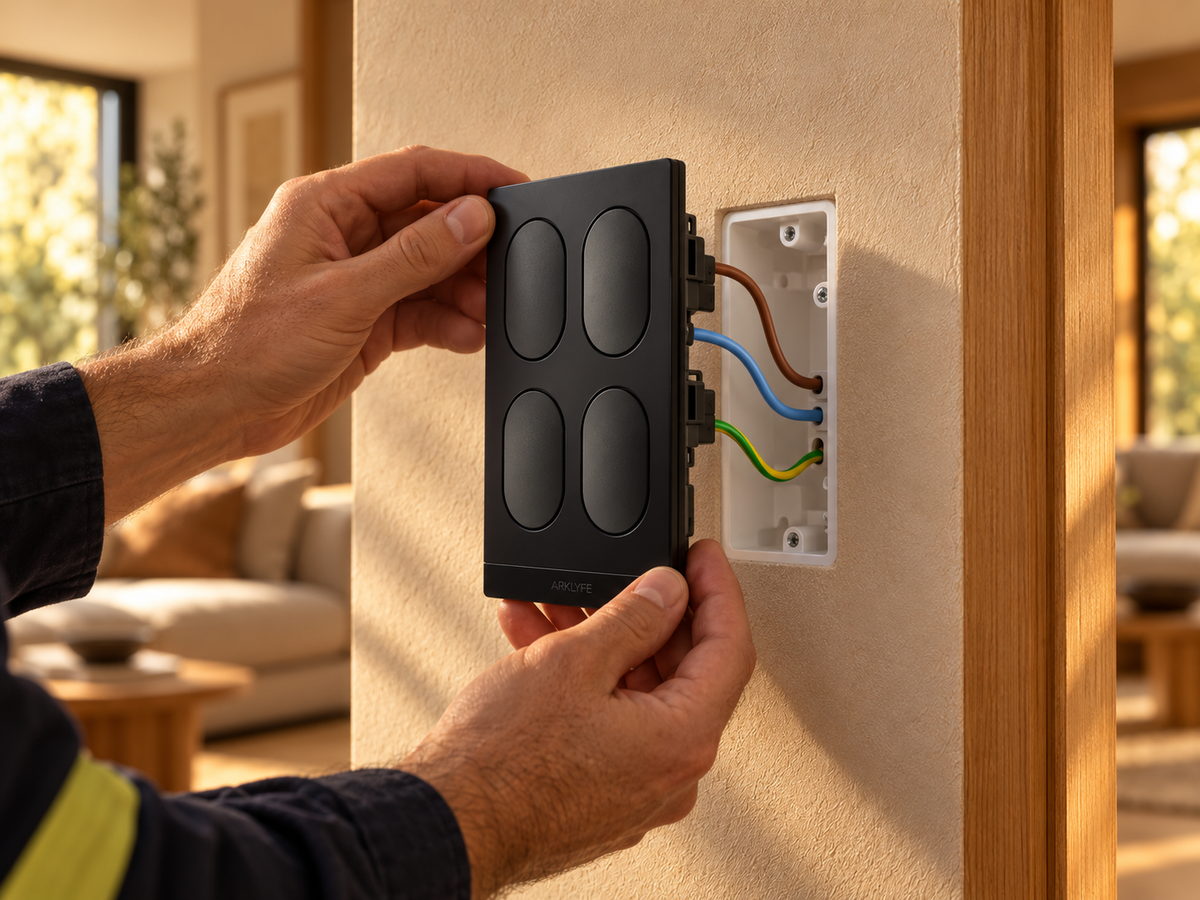
Do Smart Light Switches Need a Neutral Wire in Australia?
Short answer: most smart switches, including Arklyfe StellarTrack, need a neutral at the switch, which many older Australian homes lack. Options: have an electrician run a neutral, choose a no-neutral switch, or use smart bulbs or a relay at the light.
Can Everyone in Your Home Use the Smart Lights?
Buying smart switches? Check wall controls, household app permissions and shared access so everyone can use the lights without sharing your login.
Can You Use Smart Bulbs with Smart Switches?
A smart bulb needs power to receive commands. Learn when a smart wall switch helps, when it cuts the bulb off, and what to confirm before buying both.
Share:
Battery or Mains Powered Curtain Motors: Which Suits Your Home?
Do Smart Switches Need a Subscription in Australia?