
- by WuBill
Smart Locks in Australia: 2026 Buyer's Guide (Face, Fingerprint, Palm Vein, Matter)
- by WuBill
Last updated: 4 October 2026. Prices are from the Arklyfe store on that date and may change.
The right smart lock depends on three things: your door (thickness and lock body), how you want to unlock it, and which app or smart home system you already use. For most Australian front doors, a fingerprint and PIN lock with a key backup is the simple, affordable choice; choose a face or palm vein lock if you want hands-free entry, a video intercom lock if you want to see who is at the door, and a Matter over Thread lock if you want it in Apple Home. Arklyfe's range runs from AU$148 (gate lock) to AU$823 (3D face lock with video intercom).

Almost every smart lock sold in Australia combines several ways to open the door. It helps to think about them in groups:
All 13 locks in our smart lock collection, sorted by price. All except the M20 list a mechanical key as a backup.
| Lock | From (AUD) | Ways to unlock | App or smart home | Video intercom |
|---|---|---|---|---|
| JINK Lock N400 (gate) | $148 | Fingerprint, PIN, card, key | Matter over Thread | No |
| JINK Lock Air | $179 | Fingerprint, PIN, card, key | Matter over Thread | No |
| TTS-06 | $179 | Fingerprint, card, password, app, key | Tuya app (Bluetooth) | No |
| Smart Lock K7 | $269 | Fingerprint, PIN, key | Set up on the lock | No |
| Smart Lock K8 | $269 | Fingerprint, PIN, key | Set up on the lock | No |
| M30 | $339 | Face, fingerprint, card, password, app, key | Tuya app | Yes |
| K11 | $439 | Palm vein, face, fingerprint, NFC, card, password, app, key | Tuya app | Yes |
| M20 | $449 | App and remote unlock (ask us about other methods) | Tuya app | Yes |
| Smart Lock A5 | $469 | Fingerprint, PIN, key | Set up on the lock | No |
| JINK Door Lock P8 | $494 | Face, fingerprint, PIN, NFC or card, key | Matter over Thread | No |
| M17 | $549 | Face, fingerprint, card, password, app, key | Tuya app | Yes |
| Smart Lock A9PRO | $599 | Face, palm vein, fingerprint, PIN, key | Set up on the lock | No |
| JINK Lock Pro | $823 | 3D face, fingerprint, passcode, NFC or card, key | Matter over Thread | Yes |
| If you want… | Look at | Why |
|---|---|---|
| The simplest keyless front door | K8 or K7 (AU$269) | Fingerprint, PIN and key. The K7 adds passage mode, which keeps the door unlocked during set hours. |
| Many users and time-limited codes | A5 (AU$469) | Multi-level administrator settings and time-limited PINs for cleaners or trades. |
| Hands-free entry | A9PRO (AU$599) or P8 (AU$494) | Face recognition; the A9PRO adds palm vein, the P8 adds Matter over Thread. |
| To see who is at the door | M30 (AU$339), K11, M20, M17 or JINK Lock Pro | Video intercom locks with a camera outside and a screen inside. The M30 is the lowest-priced; the K11 adds palm vein. |
| Apple Home or another Matter platform | JINK Lock Air, P8, Lock Pro, N400 | Matter over Thread locks join a Matter platform directly instead of a separate brand app. |
| A metal side gate | JINK Lock N400 (AU$148) | Designed for compatible metal gates; the supplier lists a 35-80 mm gate thickness. |
Check these five things before buying:
The easiest way to check is to send us photos of both sides of the door and the door edge through a free consultation.
Smart locks run on batteries, not mains power, so most installs do not need an electrician. What differs is the battery type:
Cameras, screens and face recognition draw more power than a keypad alone, so check the battery level in the app or on the lock regularly.
Matter over Thread locks (the JINK range) are added to a Matter platform with a setup code. In Apple Home, Apple says Thread-enabled Matter accessories need a Thread-enabled home hub, such as HomePod mini or Apple TV 4K (3rd generation) Wi-Fi + Ethernet (Apple Support). Once added, the lock can sit in the same scenes and automations as Matter switches and sensors, for example turning on the hallway lights when the door unlocks. If you are new to this, our guide to setting up Apple Home with Matter over Thread walks through it.
Tuya and Bluetooth locks (TTS-06, M-series, K11) use the lock maker's app for access records, temporary codes and, depending on the setup, remote unlocking. They are a good choice if you just want a phone app for the lock and do not need it inside Apple Home. Exact app and remote functions depend on the supplied configuration, so ask us if a particular feature matters to you.
Locks marked "set up on the lock" (K7, K8, A5, A9PRO) are managed on the keypad itself, with no app needed.
In Victoria, a renter who wants to change a lock must get the rental provider's consent first, pays for the change, and must give new keys to the rental provider and other renters as soon as possible. Consent cannot be unreasonably refused. Renters with a family violence intervention order or similar order do not need permission to change external door locks (Consumer Affairs Victoria). Rules differ in other states, so check with your state's tenancy authority.
Arklyfe supplies smart locks Australia-wide (free standard shipping on eligible orders of AU$199 or more) and installs them across Greater Melbourne, from our Mitcham showroom out to Box Hill, Doncaster, Ringwood, Balwyn, Glen Waverley, Camberwell and surrounding suburbs. A typical visit covers checking the door and lock body, fitting the lock, enrolling your fingerprints, faces or cards, and, for Matter locks, adding the lock to your Apple Home or other Matter platform. If you are planning more than a lock, see our smart home installation service, or read what a smart home costs in Australia. The showroom is by appointment; call 1300 306 739 or book a free consultation.
Almost always. Every lock in the Arklyfe range except the M20 (whose full entry methods we are still confirming) lists a mechanical key as a backup, and many also have a USB emergency power port in case the battery runs flat.
In our range, the JINK Lock Air, JINK Door Lock P8, JINK Lock Pro and JINK Lock N400 use Matter over Thread and can be added to Apple Home. You need a Thread-enabled home hub such as a HomePod mini or Apple TV 4K (3rd generation) Wi-Fi + Ethernet.
Usually not. The locks in our range are battery powered, so fitting is carpentry and hardware work rather than electrical work. The door may need routing if the existing lock body is a different size.
In our range it is the M30 at AU$339 (October 2026). It has a 2 MP camera, a 4.5 inch indoor screen, two-way intercom, face recognition, fingerprint, card, password, app and key access.
In Victoria you need the rental provider's consent first, and you must give them a key to the new lock. Consent cannot be unreasonably refused.
Check the door thickness (many of our locks are listed for 45-120 mm), the lock body (often 6068 or 6085 mortise) and the handle style. Send us photos of the door and we will tell you which models fit.
Does Matter Work Without Internet? A Home Handover Checklist
An internet outage is not the same as a router failure or a blackout. Test the controls you depend on before accepting your smart-home setup.
Plan a Smart Home for Your New Build Before Rough In
A useful smart-home brief connects your room plan with the exact products, trades and setup responsibilities. Agree these decisions before electrical rough-in.
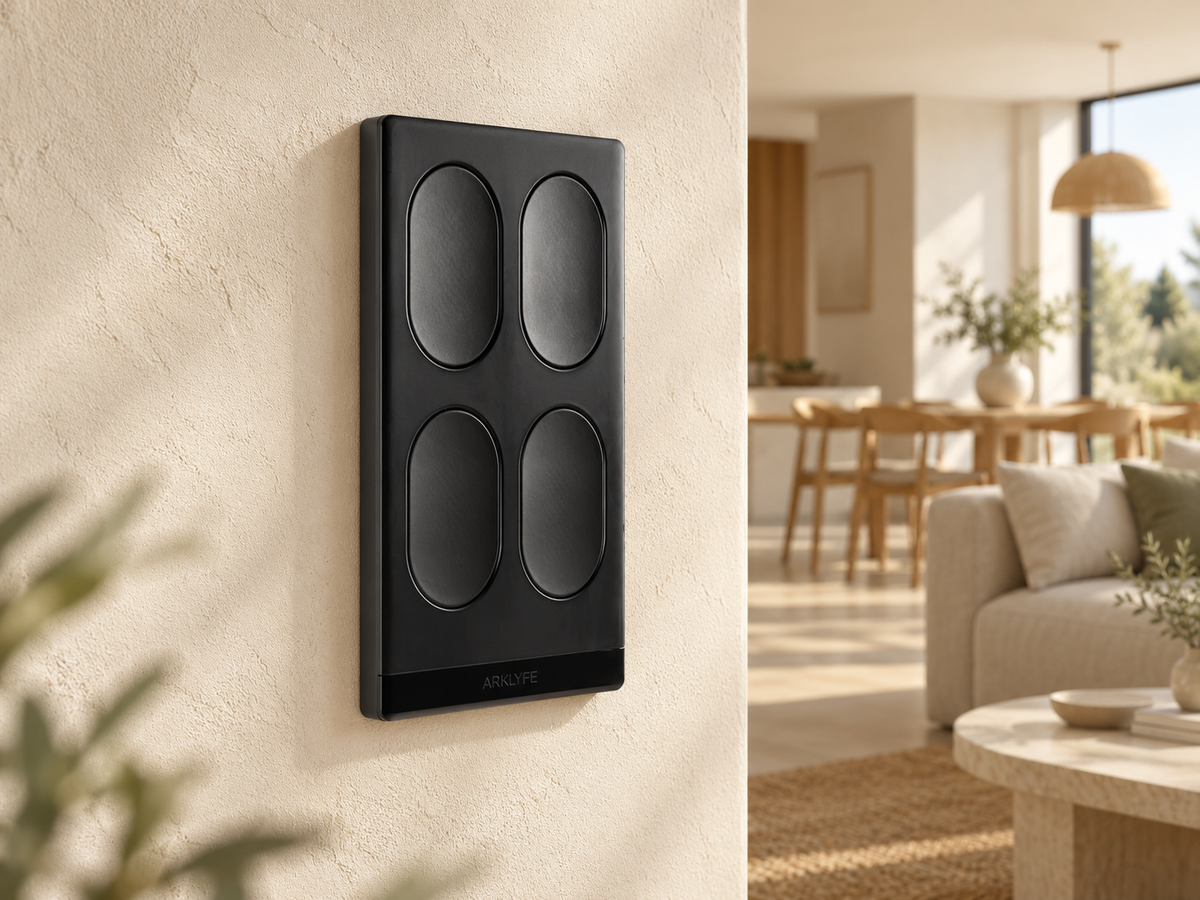
2-Gang, 4-Gang or 6-Gang Smart Switch? Plan the Buttons and Circuits
More buttons can give you more control options, but they do not always add wired lighting circuits. Use this room-by-room checklist to plan your switch layout.
Share:
How Much Do Motorised Curtains Cost in Australia? (2026 Price Guide)
Before You Buy a Curtain Motor: Check the Track, Power and Controls